
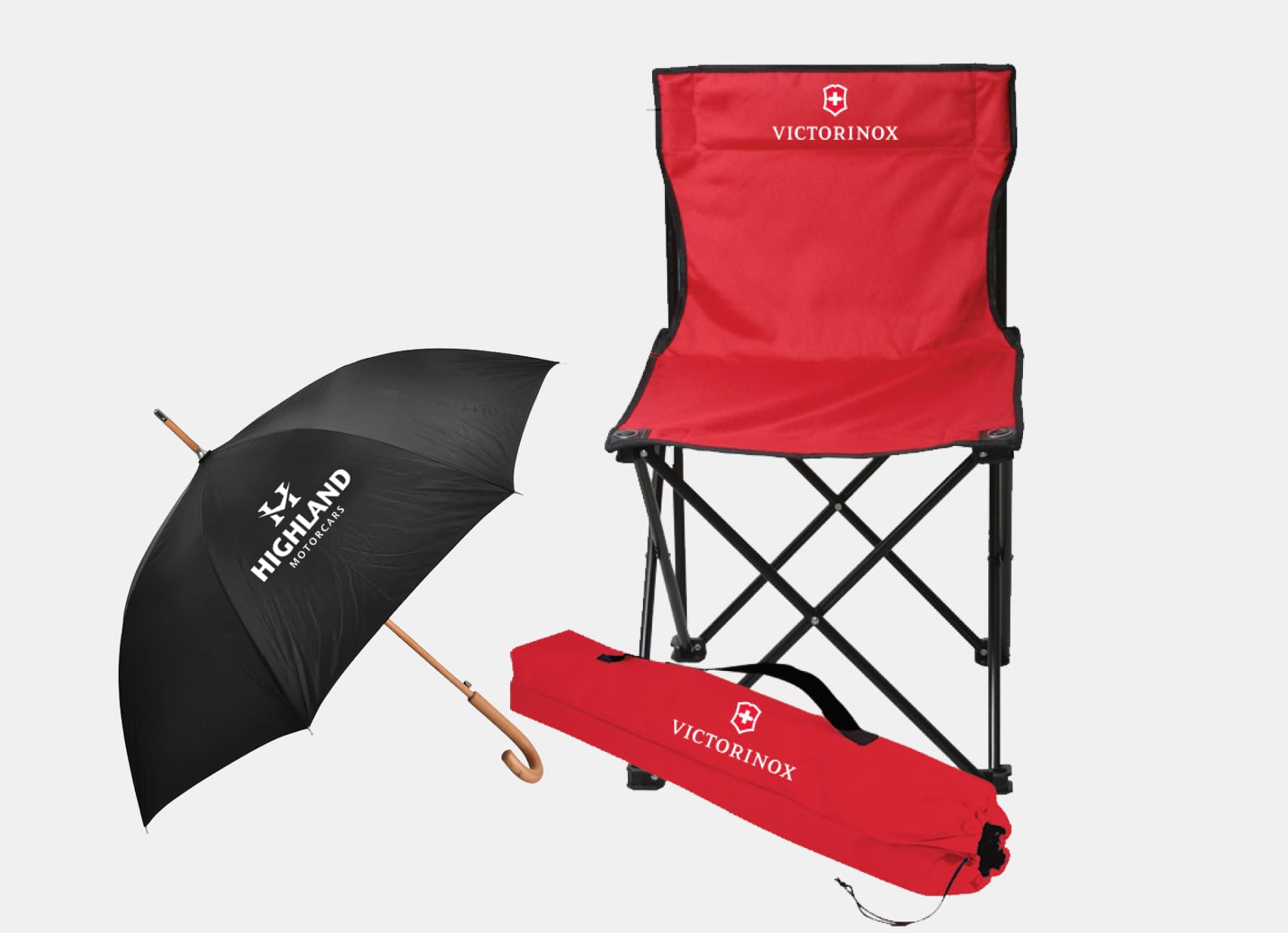
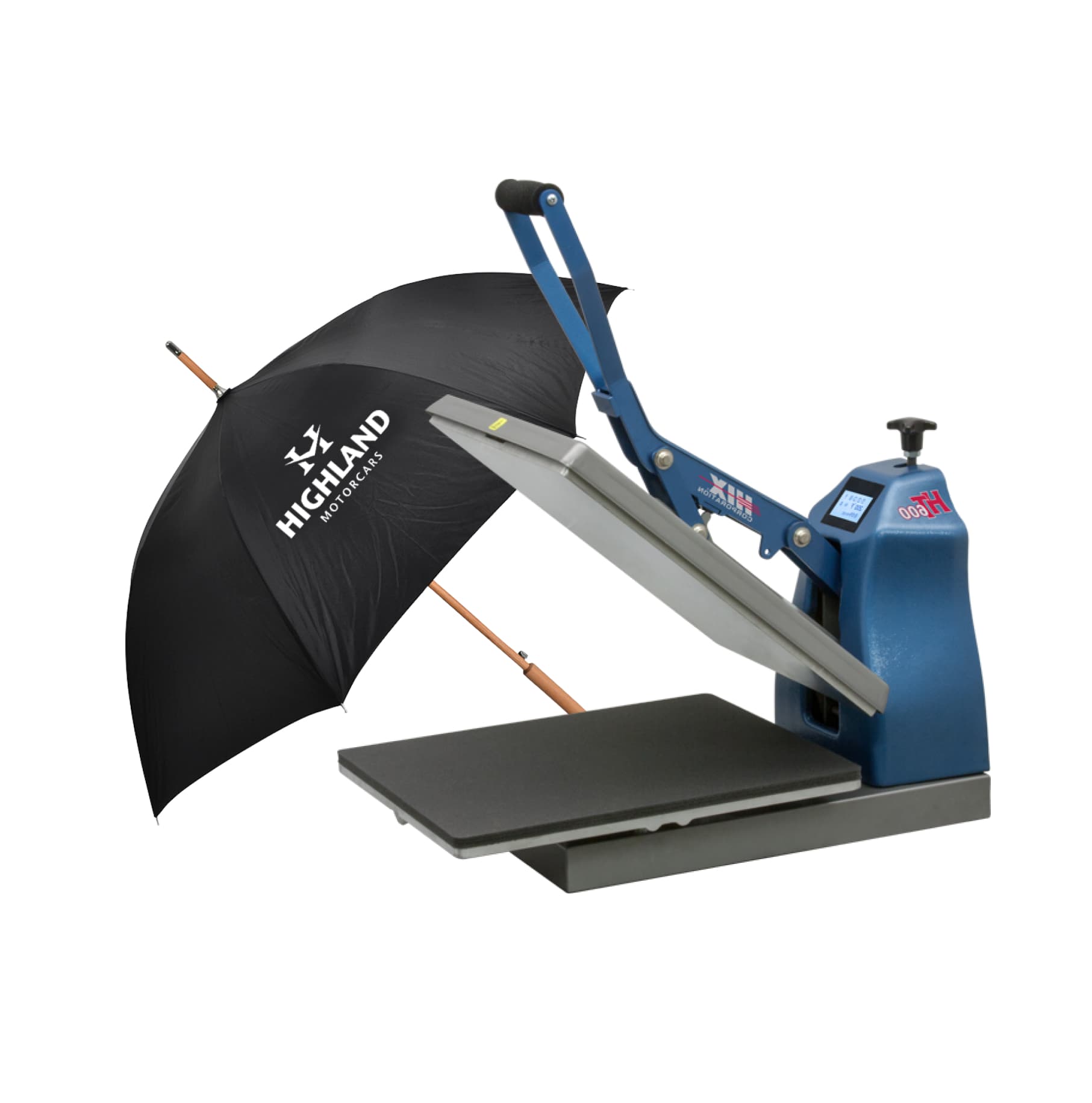
Print your logos on nylon fabric quick and easy with no weeding! Our 15¢ nylon formula transfers allow you to add your logo to nylon jackets, jerseys, bags and more! Application is simple using your commercial heat press! Hot peel them in only 7 seconds!

1 Color

Durable Feel

Lights & Darks

Easy
Application
| Size | Per Piece | Setup |
|---|---|---|
| 9" x 12.75" | 15¢ | $25 |
| 12" x 12" | 20¢ | $30 |

Great for any single image design, intended to be applied in one area, without cutting the design apart. Your artwork can be any size, as long as it fits on the sheet size selected.
 1. Save your art file in an accepted file format
Recommended file types: PDF, AI, EPS or PSD
Accepted file types: PDF, AI, EPS, PSD, JPG, PNG or TIFF
Be sure to save your artwork as 'right-reading', or as it's intended to appear when applied. Do not upload your artwork mirrored.
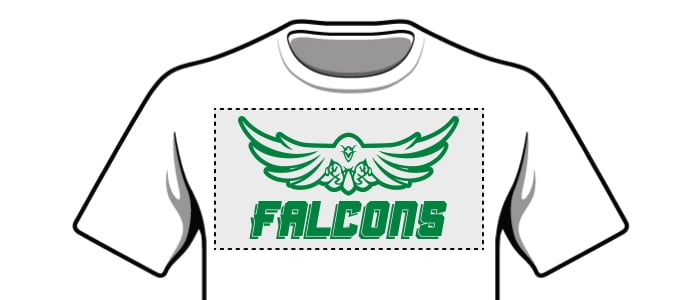 2. Send your artwork at the exact size that you want it to print.
If you select a 9"x12.75" sheet, but upload an image that is 8"x8", we will print your image at the size you uploaded (8"x8"). You are responsible for confirming your artwork's size. If you need help, we can provide artwork services for an additional fee.
 3. Use spot colors in your artwork to ensure accurate colors
Use a Pantone color book for reference. We recommend using the Pantone Solid Coated Bridge CP for best results.
Be sure you save your art as a CMYK file. Do not upload RGB artwork.
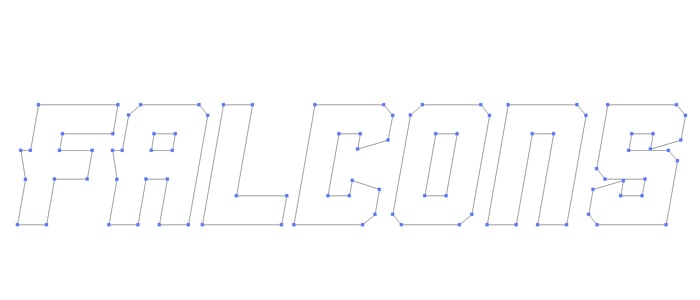 4. Convert all text to outlines
Make sure your fonts are not “live fonts” they should be converted to non-editable vectors.
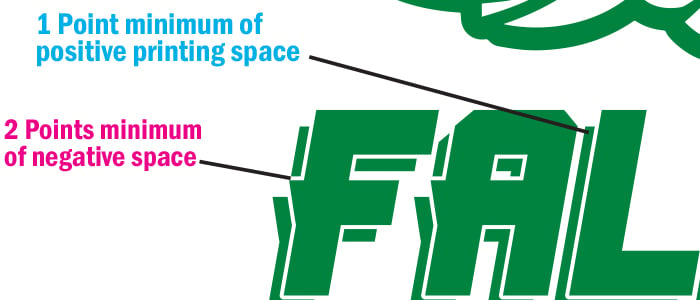 5. Check your line weights
For spot printing, all lines need to be a minimum weight of 1 pt. All negative spaces need to be a minimum thickness equivalent to 2 pts. Details that fall under this recommended spec may not print consistently or at all.
Click here to read detailed application instructions, including tips and tricks to ensure proper application.

7 Seconds

300ºF

Automatic Machines 60 PSI
Manual Machines 8-9 / Heavy

Hot / Immediately
 Start Order
 Ships in 1 Business Day